FAQ
PDF tools FAQ
Uploads, limits, formats and what it costs.
Short, plain answers to what people ask most about online PDF tools: whether a file gets uploaded, how to merge, compress, convert, edit and sign, and where the limits are.
Still have a question?
Send it to us and we will reply by email.
Tell us which tool you used and what happened. A screenshot or the file type helps us answer faster.
Contact us →
What are online PDF tools?
Online PDF tools are web apps that change a PDF without installing software: combining files, splitting pages, reducing the file size, converting to Word or images, editing, signing and protecting. DocuPivot has 57 of them, and 32 run entirely in your browser, so the file never leaves your device.
What is a PDF file?
PDF (Portable Document Format) is a file format Adobe created in 1993 so a document looks the same on every device: its fonts, images and layout travel inside the file. It became an open ISO standard (ISO 32000) in 2008. People use it to share, print, sign and archive documents.
Are online PDF tools safe to use?
It depends on where your file goes. Most sites upload every document to their servers. On DocuPivot, 32 tools do the whole job in your browser, so nothing is uploaded; the others, such as Office conversion and OCR, delete your file within 30 minutes.
Do DocuPivot's tools upload my file?
Only the server tools do, and every tool page says which kind it is before you choose a file. Browser tools keep working with your connection off once the page has loaded. Server tools accept files up to 100 MB and delete them within 30 minutes.
Are these PDF tools really free, with no sign-up and no watermark?
Yes. There is no account, no email, no card and no trial that turns into a subscription, and nothing is stamped on your file. The site is paid for by advertising. Browser tools have no daily limit; server tools allow 20 files an hour.
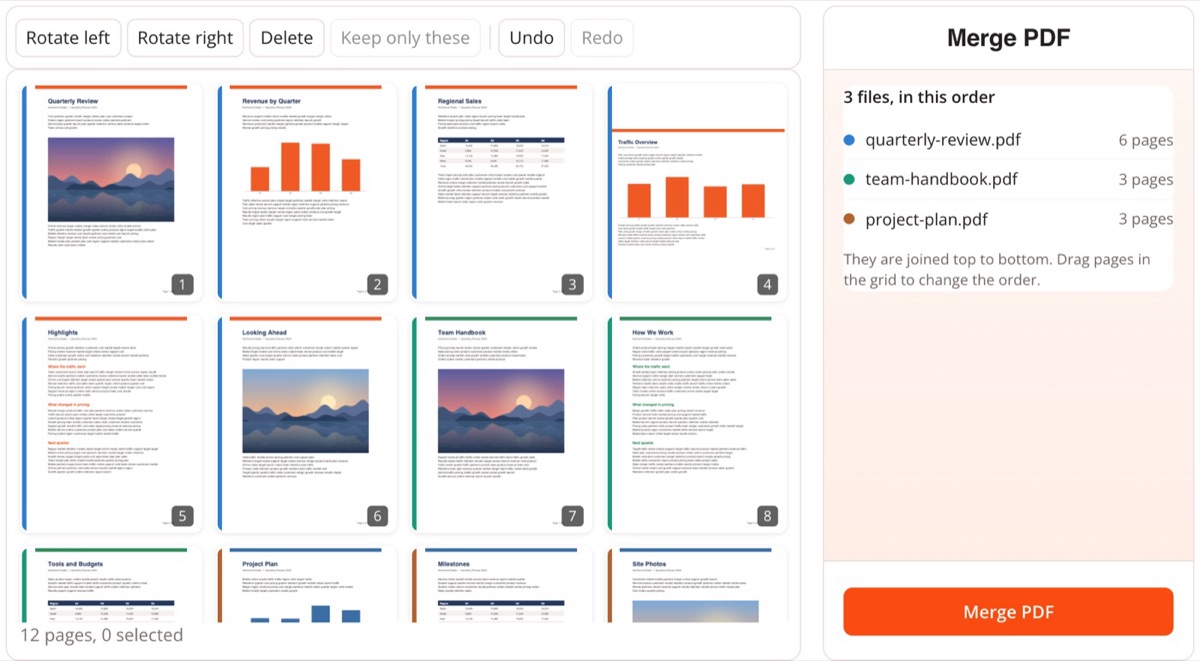
How do I combine PDF files into one?
Open Merge PDF, add your files, drag the files or single pages into the order you want, and click Merge PDF. The combined file is built in your browser, and it is saved when you click Download.
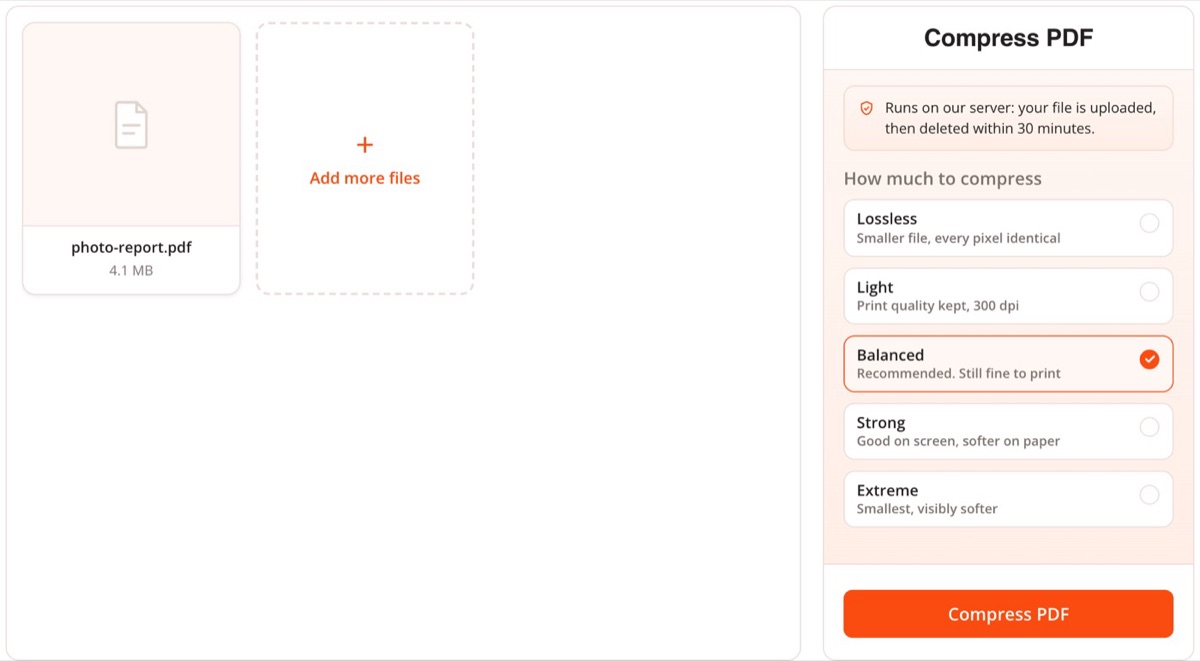
How do I reduce a PDF's file size?
Use Compress PDF and pick a level from lossless to extreme; only the images are re-encoded, so the text stays sharp and searchable. If a form demands a set size, the exact-size pages aim at 50 KB, 100 KB, 200 KB, 300 KB, 500 KB, 1 MB or 2 MB.
How do I convert a PDF to Word?
Open PDF to Word, drop the PDF and click Convert to Word. A text PDF becomes an editable DOCX with real paragraphs, tables and images, built in your browser; a scanned PDF is read with OCR first.
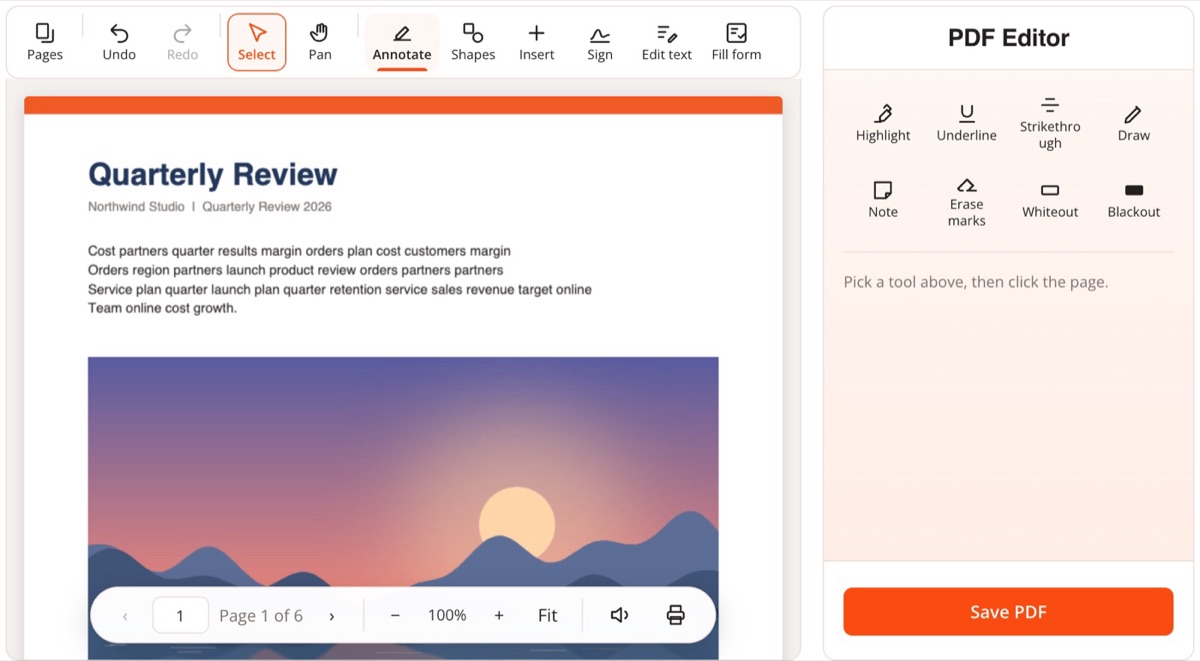
How do I edit a PDF for free without Adobe?
Use the PDF Editor to add text, images, shapes and notes, and to fill and sign forms, all in your browser. To change wording that is already there, Edit PDF Text removes the old words instead of covering them.
How do I sign a PDF online?
Open Sign PDF, draw, type or photograph your signature, click where it belongs on the page and download the signed file. This adds a simple electronic signature, not a certificate-based digital signature.
How do I password protect a PDF?
Open Password Protect PDF, set a password and download the encrypted copy. It uses AES-256, the strongest encryption the PDF format defines. The job runs on our server and the file is deleted within 30 minutes.
What is OCR, and when does a PDF need it?
OCR (optical character recognition) turns the picture of text in a scanned PDF into real text you can search, select and copy. A PDF needs it when Ctrl+F finds nothing. OCR PDF adds an invisible text layer and reads 123 languages.
What is PDF/A?
PDF/A is the ISO standard for archiving documents: fonts are embedded and nothing depends on outside resources, so the file opens the same way decades from now. Courts, governments and archives often require it. PDF to PDF/A converts to PDF/A-1b, 2b or 3b.
Is there a file or usage limit?
Browser tools have no daily limit; size is bounded by your device's memory, and very large files show a warning first. Server tools accept up to 100 MB per file and allow 20 files an hour, and the AI PDF Editor allows 25 AI requests a day.